Several days ago I turned on my Yaesu FT-991A and almost immediately the red TX LED started to flash. I was aware that this is very often caused by USB cable connected to the radio or more exactly this event comes when the radio is turned ON with the USB cable connected to its USB port and to the PC and the PC is turned OFF. But unfortunately it was not my case this time and I started the investigation what’s wrong with my radio. I received a lot of hints what to check but unfortunately none of them was successful. I received a lot of hints what to check but unfortunately none of them was successful but gave me some way what to do and check.
I can’t exactly say what was the reason the TX LED flashing but here are the steps that I did to solve the issue:
- First of all I disconnected the USB cable from the radio but with no success.
I somehow surmised that the issue is not caused by the USB cable/port because. I was able to control the radio by via the USB cable with JTDX or FLrig. I was able to tune switch the bands listen to the output etc. I was not able to key the radio to change output power on SSB and AM and I also wan’t able to set the M.Gain ( You can see how the M.Gain drops from 36 to 0 on the video). - I receive a lot of hints that the TX LED flashing is also caused when the radio turned on when the PTT button or the CW key are keyed. Therefore the other step was to disconnect all the cables from the radio except the power cable to avoid any problems with broken cables or stuck PTT button, key etc.
- Next step I did was the factory reset by holding the the FAST+LOCK button when turning on the radio. Unfortunately the factory reset was not helpful as well.
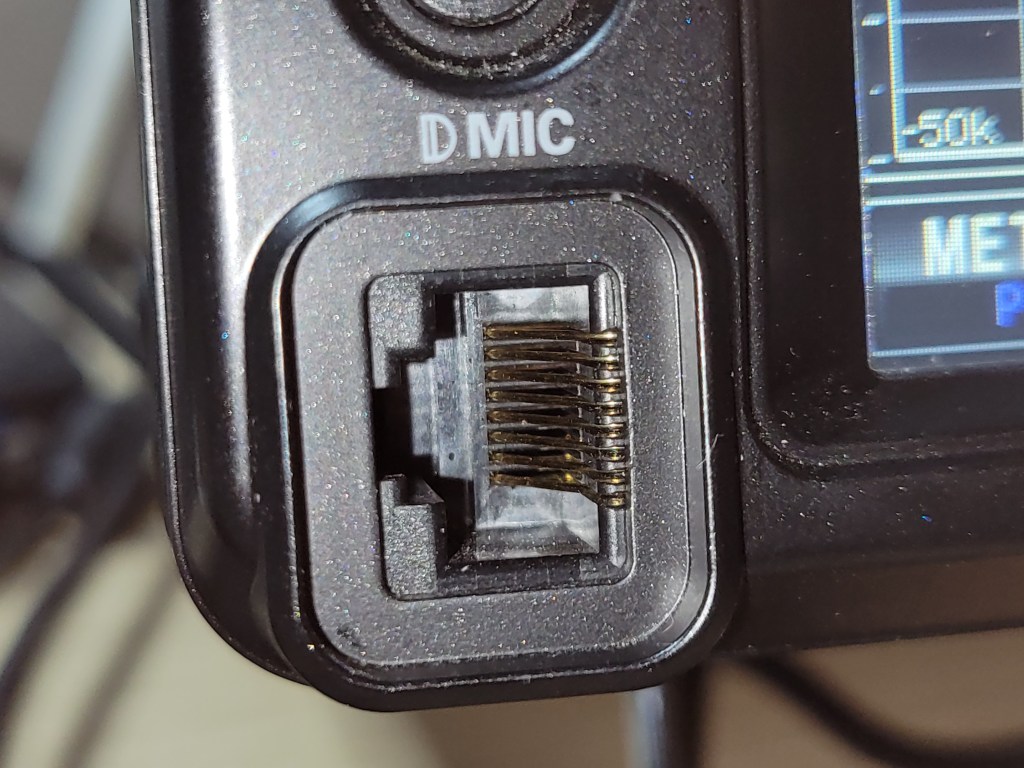
- After the factory reset I tried to visually check the connectors. Especially I focused to check the CW key 3.5mm jack and the RJ-45 microphone port. All Of them looked OK.
- After these steps I inferred that it must be some internal issue and decided to contact local service.
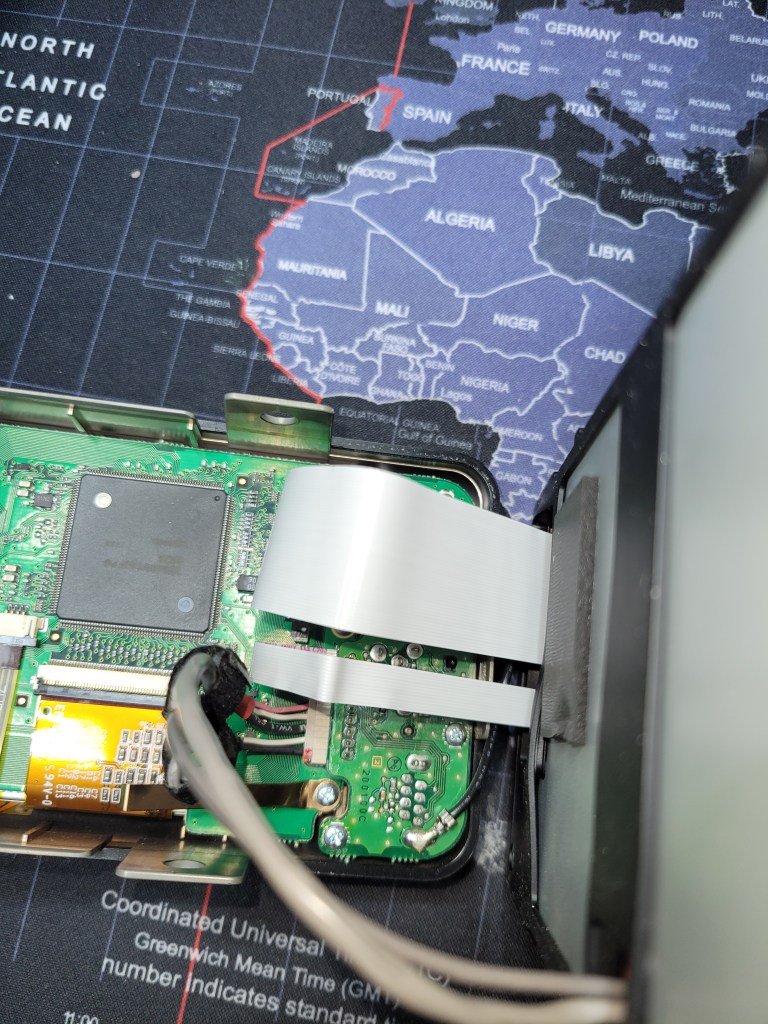
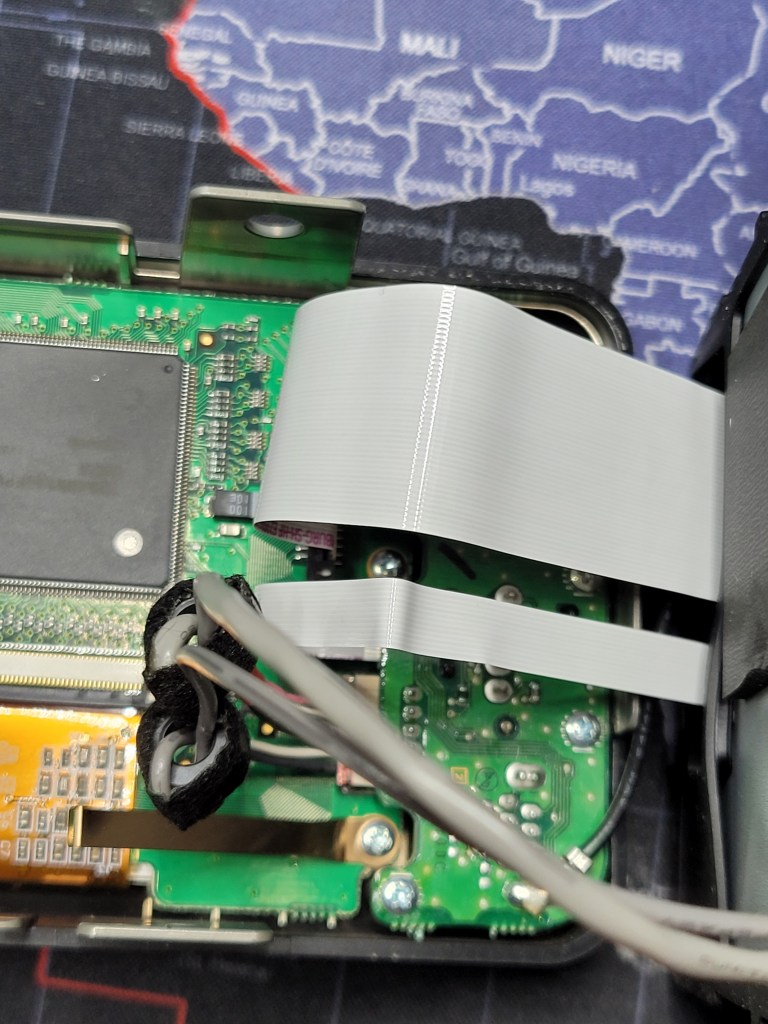
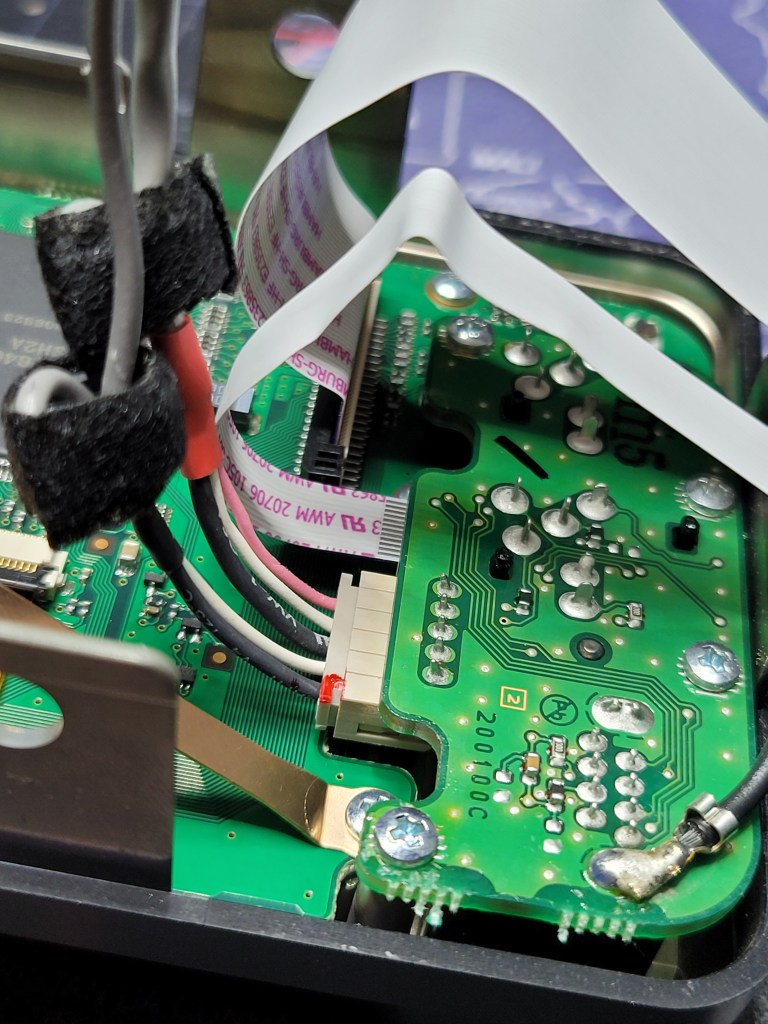
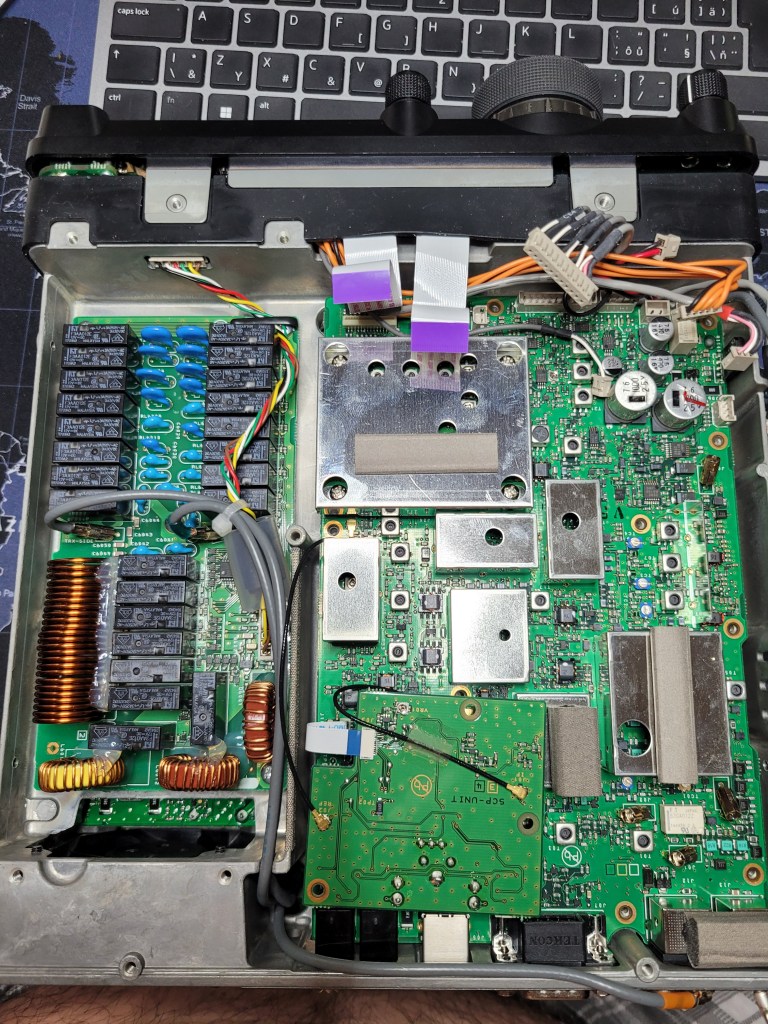
The service guy recommended to try to re-flash the FW but it also didn’t help. - The next advice from him was to carefully open the radio and check the cables which connect the front unit with the main unit. Especially the cables which connects the small board with connectors to the main unit. Once they had a case when the ca 10mm wide flat cable was connected incorrectly. He also recommended to switch on the radio with those cables disconnected but even this didn!t help and the LED was still flashing.
- Another int from the QRZ.com was to check the internal tuner screws because sometimes they might be loosen and it can caused troubles. In my case they screws were OK.
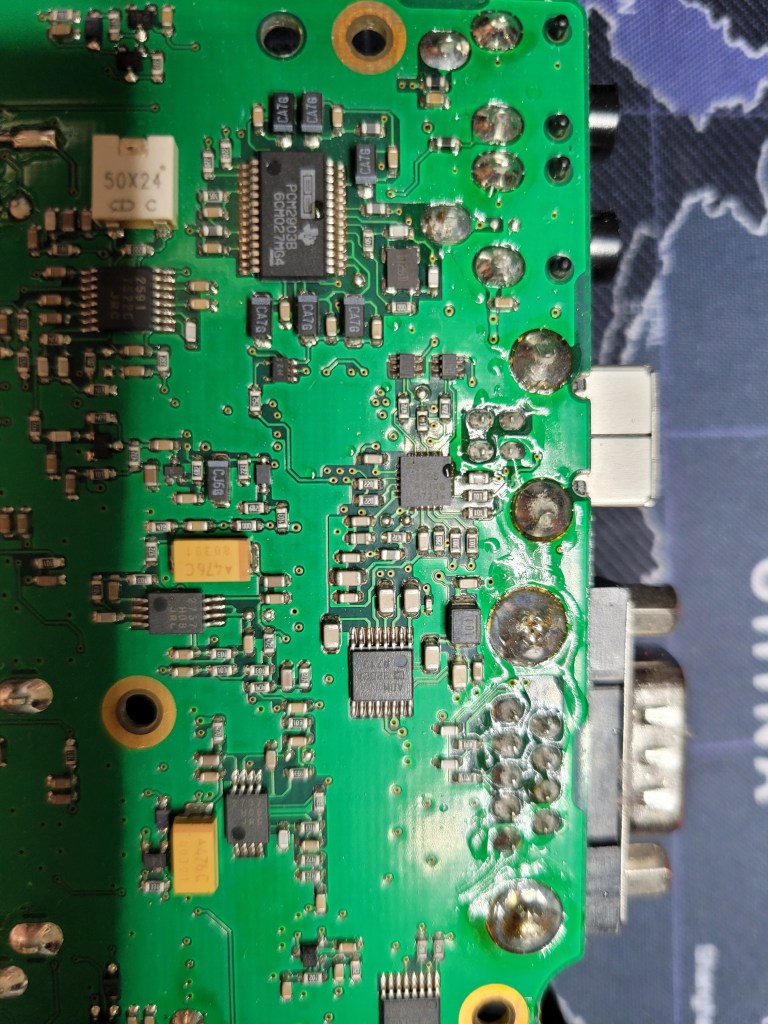
- In that point I wanted to give up but the radio was still oened and I decided to check the USB port on its board if I can see any marks of damage on the bottom side.
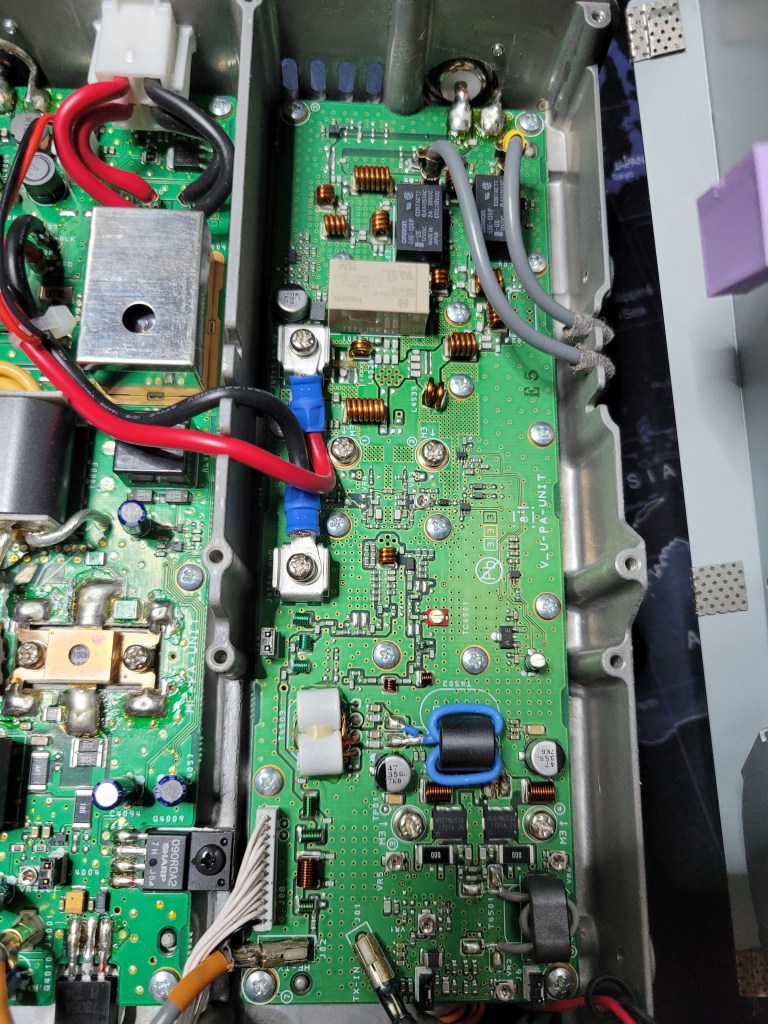
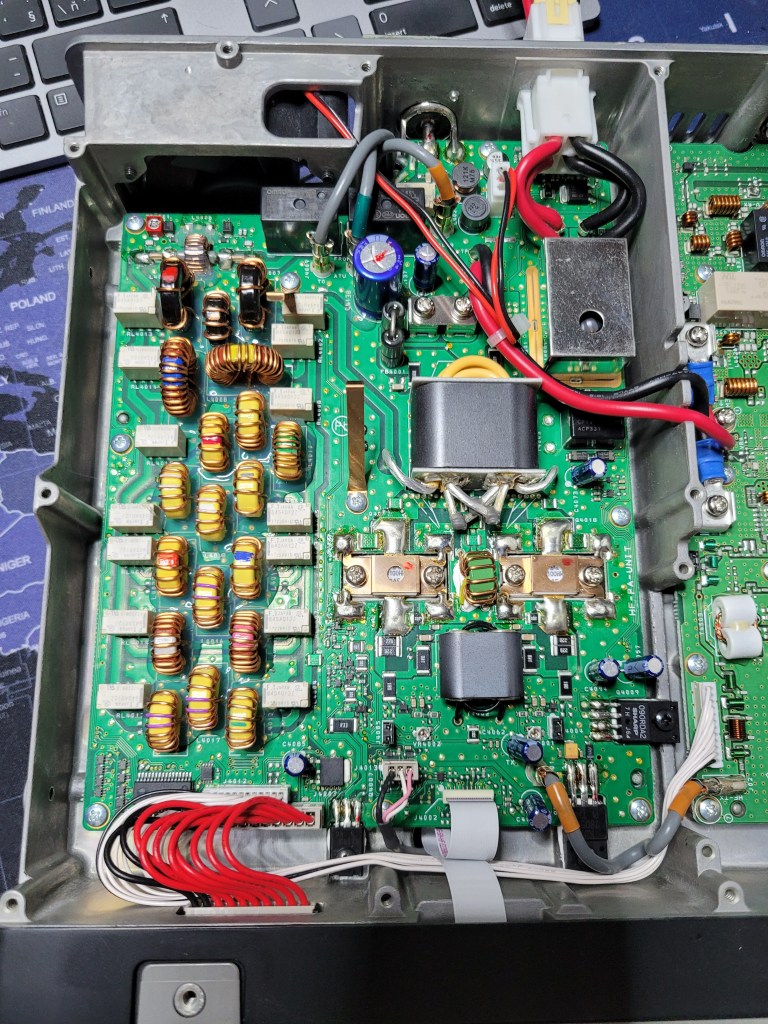
- I removed all the screws and cables from the board and removed the board from the chassis (all the cable connections looked OK). I checked the board from the bottom side but there were no visible marks of damage. I cleaned a little dust around the connectors and decided to assemble the radio.
- I put the board back to the chassis and plug almost all the cables back. Just two white flat cables were still disconnected. I tried to switch the radio ON and the TX LED was off. I connected the the flat cables to their connectors on the board and switch the radio on. The RX LED was off and everything was looked OK.
I tested the radio and everything worked correctly. So I can’t exactly say what was the real cause of my issue but anyways these are the steps which I tried to solve the issue and which might help to someone else..




 OK1TK HAM Radio